 Musse Buddy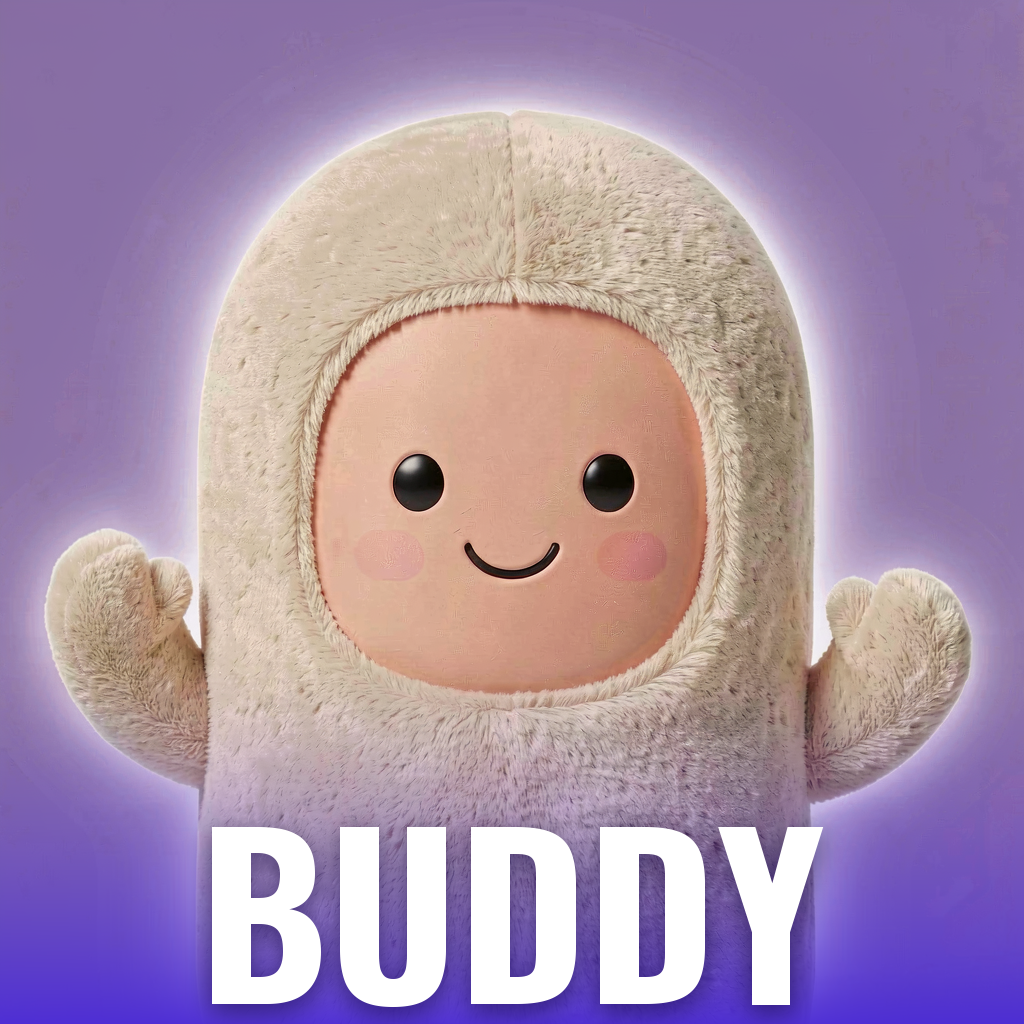
Say it once. Your pocket AI buddy handles it
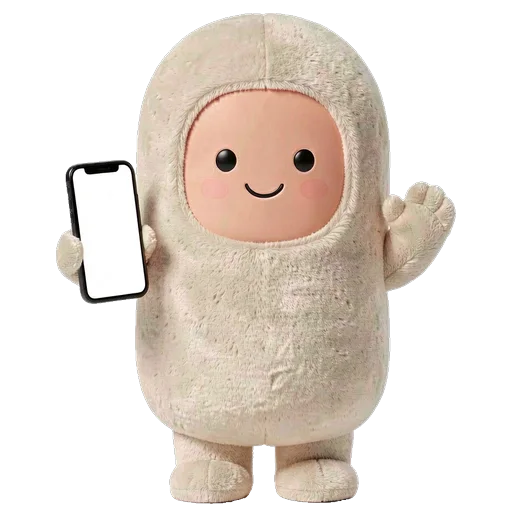
Musse Buddy is an iPhone app that pairs an AI agent with a pet you look after. Say or type one request, such as a reminder, a text to a friend or a plan for the week, and your buddy sets it up and waits for your OK. It is in TestFlight now.
Coming soon to iPhone
What does Musse Buddy do?
It turns one phrase into a mission. Tell it "remind me to call mom in 20 minutes" or "book a haircut this week" and Buddy builds a short list of steps, does the parts that live on your phone, and stops where you need to decide. A mission can be a reminder, a note, a call, a message, an errand, a plan, a booking, a web form, a support request, a piece of writing or a goal.
The details are on the missions page.
Who is in charge of what Buddy sends, calls or buys?
You are. Buddy prepares a text, and you tap Send. It opens the dialer with the number filled in, and you press call. For a purchase it prepares the search and the order, and you pay yourself, because the app has no payment feature at all.
Each connection (email, calendar, contacts, web browsing, notes) has three settings: Off, Ask me and Allow. If you switch one off, the missions that need it stop and tell you why.
- Messages and email wait for your tap on Send
- Calls open the dialer, you start the call
- Payments are never made by Buddy
Why is there a pet in an assistant app?
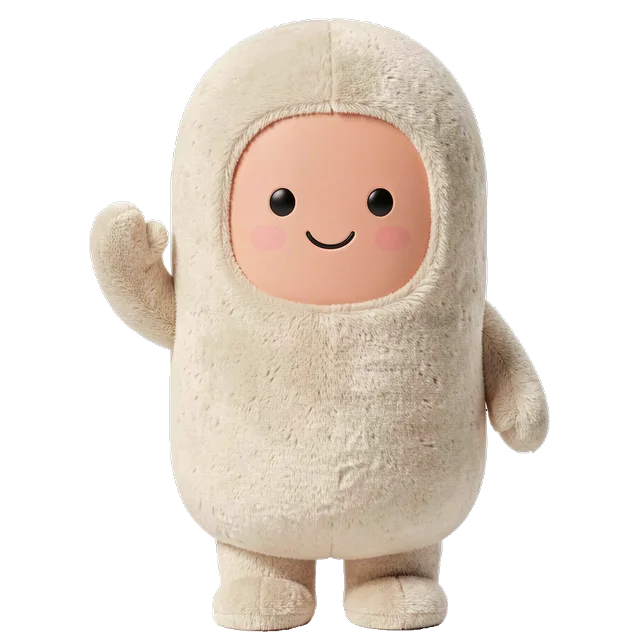
Because a character you look after is easier to open every day than a blank prompt box. Your buddy has food, energy and joy bars, a bond level that grows with care, and a mood that shows on the home screen. Every finished mission earns one treat, so doing real tasks is what feeds the pet.
The pet never dies and never gets sick. The worst it gets is sulky because you were away. See pet care for the rules.

Which characters and outfits are there?
Six originals: Mochi, Pip, Nimbus, Ember, Luna and Bo. They share the same brain and differ in looks and attitude. You can dress your buddy in layered outfits (hat, glasses, neck, body, something in hand), role looks such as pilot, chef or firefighter, and pick one of four voices.
Browse characters and wardrobe.

Where does Buddy live on my iPhone?
On the Lock Screen and Home Screen as widgets, in a Control Center button that opens the talk screen, in a Live Activity while it works, in Siri phrases, and on the CarPlay Dashboard as a small widget with three quick actions. There is also Charm mode, which turns the phone into a black keychain-style screen with your buddy on it.
See widgets and Live Activity and CarPlay and Siri.

What does Buddy remember about me?
A short list of topics it picked up from your requests, such as that you train regularly or travel often. The list is stored on your phone, shown on a screen called What Buddy knows, and each item has a Forget button. Details are on the memory page and in the privacy policy.
How much does it cost?
The free version includes 10 missions, three characters (Mochi, Pip and Nimbus) and starter outfits. Buddy+ is an optional subscription for unlimited missions, all six characters, the full wardrobe and extra widget themes, with a 7-day free trial shown in the app. Musse Buddy is in TestFlight, so the App Store price is not final here.
Frequently asked questions
Is Musse Buddy on the App Store?
Not yet. It is in TestFlight testing, and the site will link to the App Store page when the app is released.
Does Musse Buddy need an account?
No. There is no sign-up. Missions, memory and your buddy's look are stored on your iPhone.
Can Buddy pay for things or send messages by itself?
No. It never pays. Texts and emails open as drafts, and you press Send. Calls open the dialer and you start them.
What languages does the app speak?
English and Russian. The app follows your iPhone language, and you can switch it in Me, Settings.
Does it work on iPad?
No. The app is built for iPhone only.
What happens if I stop opening the app?
Your buddy gets sulky and misses you, and that is all. It does not die, get sick or lose its outfits.
Keep exploring
AI Missions on iPhoneTurn one phrase into steps, approvals and a result. Buddy never pays and never sends without your tap.Pet Care in Musse BuddyFood, energy, joy and bond. Treats come from real tasks, and nothing ever dies.Widgets, Live Activity and Charm Mode for Musse BuddyLock Screen, Home Screen, Control Center, Live Activity and Charm mode.Musse Buddy SupportSetup, permissions, widgets, CarPlay, Buddy+ and how to contact support.GuidesGuides on virtual pets, AI assistants and agents, and CarPlay widgets.