 Musse Buddy
Musse Buddy support
Most questions come down to permissions, widgets or what Buddy will and will not do by itself. This page covers setup, the microphone, calendar and contacts, CarPlay, the free mission limit, Buddy+, deleting data and how to reach support. Musse Buddy is in TestFlight, so details can change.
Coming soon to iPhone
How do I get started?
The app asks for the microphone and notifications only when you first use them.
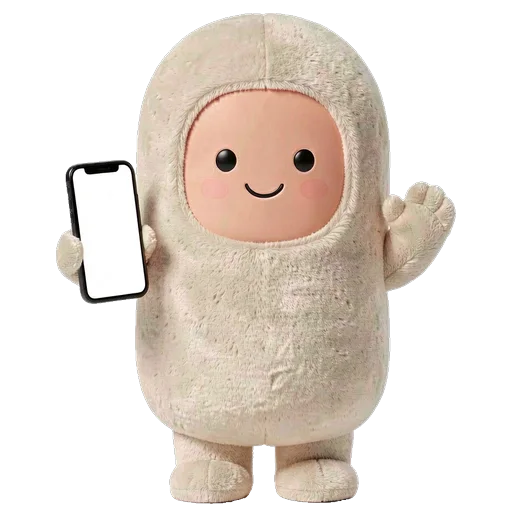
- Open the app and name your buddy, then pick a personality: Warm, Sharp or Playful.
- Hold the button and say a real request, or tap Type instead.
- Choose a free welcome outfit. More unlock as your bond grows.
- Pick where Buddy lives: Lock Screen, CarPlay, Siri or Charm mode. You can skip any of these.
Which permissions does the app ask for, and why?
If you said no, change it in Settings, then Musse Buddy. The Agent and trust screen in the app has a Check everything button that shows what is connected.
| Permission | Why | When |
|---|---|---|
| Microphone | To hear you while you hold the talk button | First time you talk |
| Speech recognition | To turn your voice into text | First time you talk |
| Notifications | To deliver the reminders you ask for | First reminder |
| Calendar | To add events for plans, bookings and goals you asked for | First such mission |
| Contacts | To find a number when you say call or text someone | First such mission |
Frequently asked questions
How do I contact Musse Buddy support?
Use the App Support link on the app's App Store page once it is released, or open the app and go to Me, then Settings. TestFlight testers can also use the feedback option in TestFlight.
Buddy cannot hear me. What should I check?
Allow the microphone and speech recognition in Settings, then Musse Buddy. In the web preview the microphone may be unavailable, so type your request instead.
My reminder did not go off. Why?
Notifications are probably off for Musse Buddy. Turn them on in Settings, then Notifications, and make the request again.
Why did a mission stop with a message that something is off?
The mission needs a connection you switched off, such as Calendar or Web browsing. Tap the button on the mission to turn it on, or change it under Me, Agent and trust.
Why did Buddy not send my message?
By design. Buddy opens a draft in Messages or your mail app and you press Send. If you close it, the draft stays ready in the mission.
I do not see the CarPlay widget. What now?
It needs iOS 26 and a car that shows CarPlay widgets. Then long-press the Dashboard, choose Edit widgets and add Musse Buddy. Siri phrases work without it.
What happens after the 10 free missions?
The home screen counts down the free missions that are left. After that you need Buddy+ for more. Everything you already created stays.
How do I restore Buddy+ on a new phone?
Open the paywall and tap Restore purchases. If the app finds no purchase for your Apple ID it says so.
How do I delete my data?
Open Me, then Settings, then Reset app. It removes missions, memory, outfits and settings from this iPhone. Single memory notes can be removed with Forget.
Can I use Musse Buddy on iPad or in another language?
It is built for iPhone only. The interface is in English and Russian, and you can switch between them in Settings.
Keep exploring
 AI Missions on iPhoneTurn one phrase into steps, approvals and a result. Buddy never pays and never sends without your tap.
 Musse Buddy in CarPlay and SiriA Dashboard widget with three quick actions and Siri phrases for hands-free missions.What Buddy KnowsA short memory list you can read, edit by deleting, and wipe. Stored on the phone.Musse Buddy Privacy PolicyNo account, no ads, no tracking. What is stored, what is sent and how to delete it.Musse Buddy Terms of Use and Subscription NotesApple's standard EULA plus a plain summary of approvals and the subscription.